As we move through 2026, it’s the perfect time to look back at the significant evolution of the Advanced Dynamic Pricing for WooCommerce plugin over the last year. For store owners looking to optimize their pricing strategies, 2025 was packed with updates focused on performance, flexibility, and user experience.
A Major Focus on Speed and Performance
Throughout the year, our development team consistently prioritized making the plugin faster, which is critical for keeping your store’s load times low.
Behind every smooth shopping experience lies a foundation of efficient code, and throughout 2025, the development team dedicated themselves to strengthening that foundation in ways both visible and invisible to store owners. The challenge they faced is familiar to any growing WooCommerce store: as product catalogs expand and pricing rules multiply, the mathematical burden of calculating discounts in real-time can slow page loads to a crawl. The solution arrived through a series of architectural refinements that together transformed how the plugin handles complex pricing logic under pressure.
At the heart of these improvements lies a reimagined approach to caching—not merely storing data, but strategically deciding what to store and when to recalculate it. The Advanced Dynamic Pricing and Discount Rules for WooCommerce plugin now intelligently caches coupon eligibility and shipping rate determinations, recognizing that these values rarely change during a single customer session. This means that as a customer adds items to their cart or adjusts quantities, the system avoids the expensive overhead of repeatedly asking “does this coupon still apply?” and instead retrieves that answer from memory. For stores utilizing external caching layers like Redis or Memcached—common in high-traffic environments—additional safeguards were implemented to ensure that guest users, who rely heavily on cached data, always see accurate prices rather than stale, out-of-date figures.
Perhaps the most visible optimization arrived for stores burdened by their own success: those with variable products sporting dozens or even hundreds of variations. Previously, loading a single category page containing several such products could trigger thousands of individual price calculations, each one a tiny database query that collectively brought page loads to a standstill. The plugin now offers a elegant compromise through configurable approximate price range thresholds. Store owners can define a point—say, ten variations—beyond which the plugin stops calculating every possible price and instead displays a smartly estimated range. For a product with fifty color and size combinations, the customer still understands the price landscape, but the server avoids forty unnecessary calculations. It is the kind of optimization that goes unnoticed when working correctly, but its absence would be immediately felt in slowed browsers and frustrated customers.
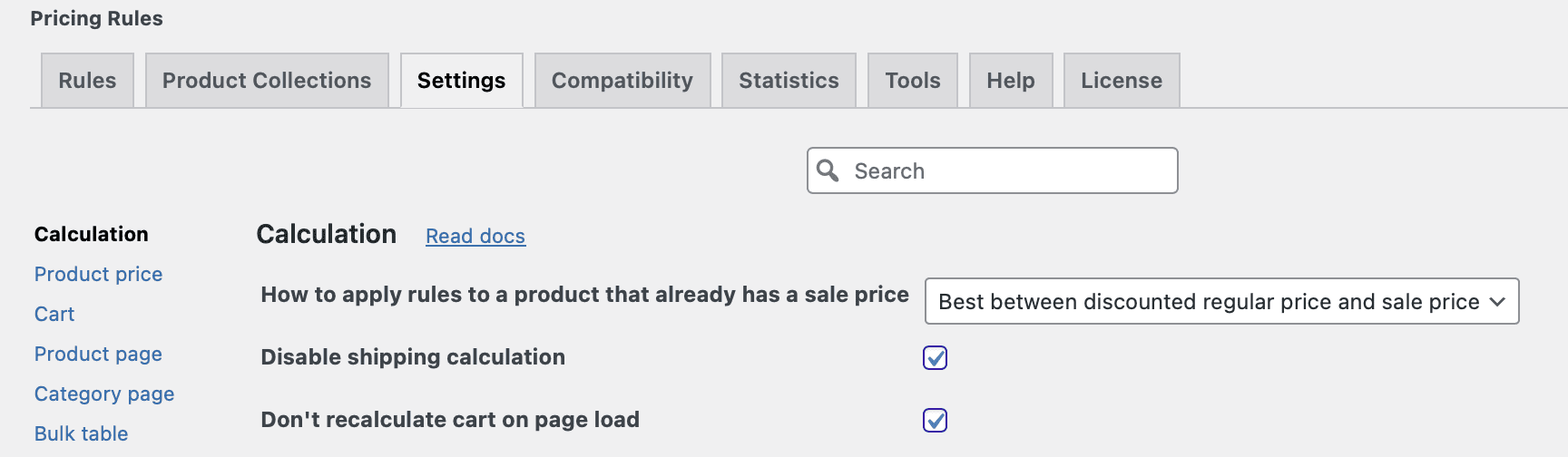
The cumulative effect of these refinements is most apparent on category and shop pages, where the plugin’s refactored generation logic now respects the delicate balance between comprehensive discount application and surgical efficiency. By teaching the system to ask “do I need to calculate this right now?” more often than “can I calculate this?”, the 2025 updates ensure that even the most complex pricing strategies load with the speed customers expect and search engines reward.
New Discount Engines & Promotional Tools
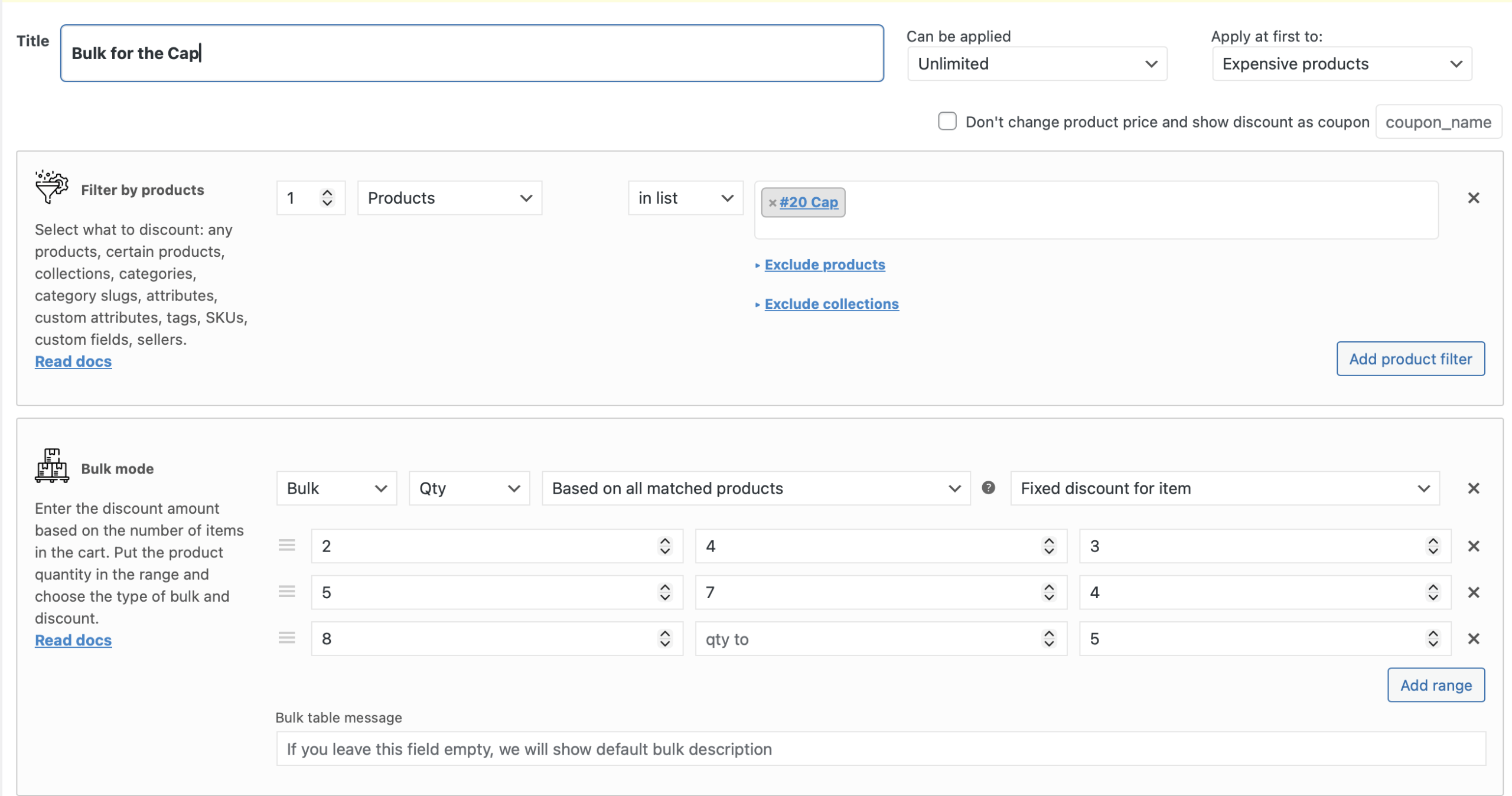
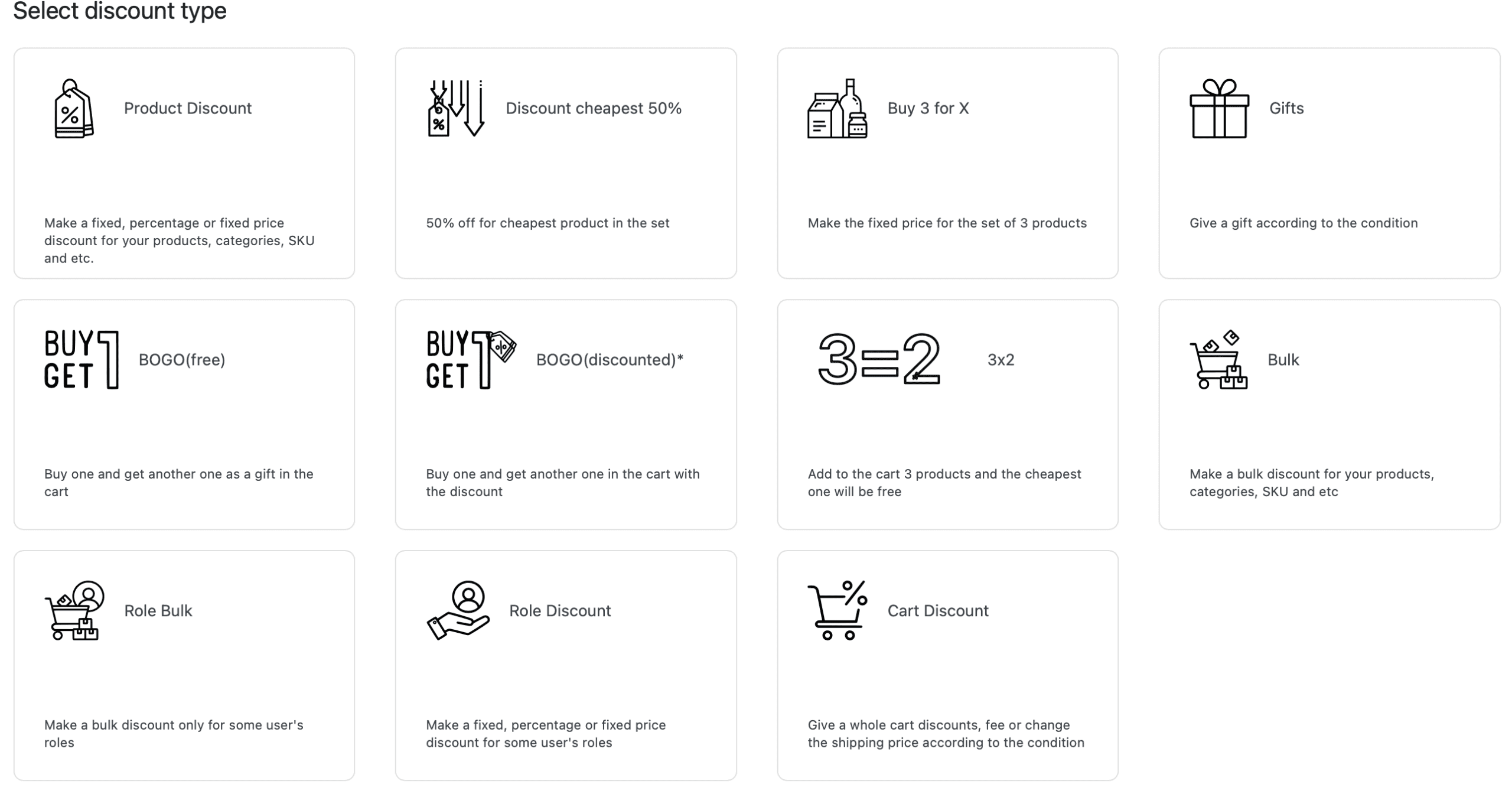
The Advanced Dynamic Pricing and Discount rules for WooCommerce rule’s engine grew significantly more versatile in 2025 with the addition of several new discount types. Store owners can now leverage fixed-price deals like “Buy 3 for X” and “3×2” (PRO) configurations, which are particularly effective for volume-based sales and clearing stock and they are very popular among the plugin’s users. Expanding on dynamic pricing logic, the introduction of the “Discount cheapest 50%” mode in PRO version of the plugin allows for sophisticated auto-discounts that target the most affordable cart item, enabling popular “mix and match” promotions where the customer’s lowest-value item is automatically reduced.
Enhanced User Experience (UX) in the Cart and Shop
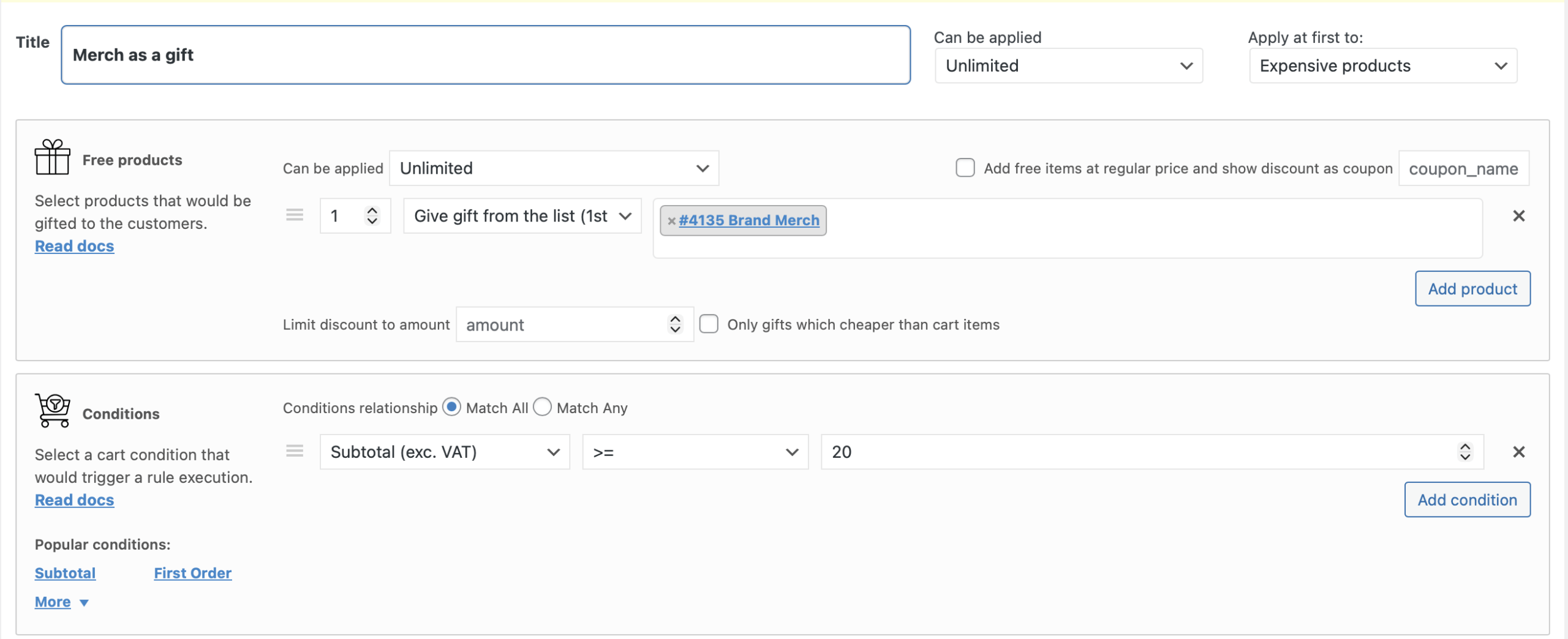
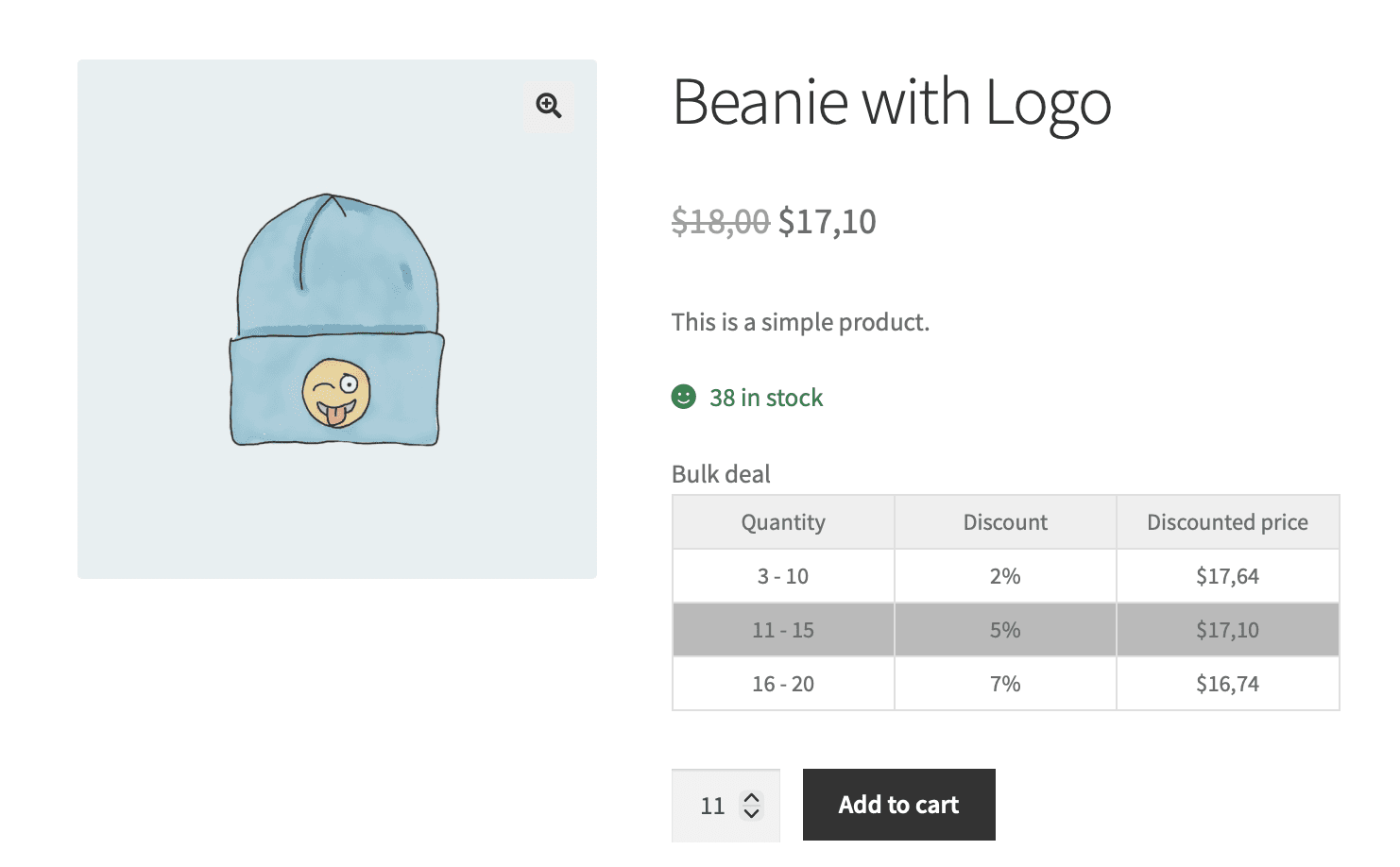
Usability improvements across the front end made discounts of the Advanced Dynamic Pricing and Discount Rules for WooCommerce more transparent and interactive. The bulk pricing table, a staple on product pages, was upgraded with an interactive quantity selector—customers can now click on any price tier range to have the quantity field update instantly. This is paired with new visual cues like row highlighting on hover, clarifying the path to the next discount level. It has been implemented for the PRO version users on Settings > Bulk table tab. Furthermore, the gift selection process was refined; a new logical constraint ensures that offered gifts must be of equal or lesser value than the cart items, preventing abuse and ensuring the promotion remains profitable. This option is available directly in the rule, but only for PRO version users.
Deeper Integration and Compatibility
Beyond introducing new features, the 2025 updates focused on transforming the plugin into a more reliable and harmonious citizen within the broader WooCommerce ecosystem. Advanced Dynamic Pricing and Discount Rules for WooCommerce team always try to do all the best to make possible as more compatible plugins as it can be. We are also trying to keep our fingers on the pulse of the most popular key plugins’ changes to prevent incompatibility errors.
Multi-currency stores, often plagued by pricing inconsistencies, received particular attention—the plugin now maintains accurate discount calculations when paired with leading currency switchers like FOX, eliminating the subtle math errors that previously appeared when customers switched between currencies. Similarly, for stores leveraging product bundles from developers like WPC, YITH, the updated logic respects the complex parent-child relationships inherent in bundled products, applying discounts only where appropriate without breaking the bundle structure or causing checkout errors.
Administrative control also received a significant philosophical upgrade with the introduction of explicit rule prioritization. Previously, when multiple discounts qualified for a single cart, the plugin’s default behavior could feel opaque to store owners. The new global mode selector resolves this ambiguity by allowing administrators to dictate the system’s decision-making philosophy—whether to always apply the biggest discount to maximize customer appeal, or the lowest discount to protect margins. This seemingly simple toggle represents a fundamental shift toward giving merchants philosophical control over their pricing strategy rather than forcing them to reverse-engineer complex rule hierarchies.
Our team always happy to help to the developers and advanced users through carefully considered API expansions. New lifecycle hooks—triggered when rules are added, updated, or deleted—allow custom integrations to react intelligently to pricing changes, whether for analytics, inventory forecasting, or synchronizing with external systems. The addition of a dedicated helper function to programmatically retrieve discount-eligible products opens possibilities for custom templates, email campaigns, or third-party tools that need to understand which products are currently promoted. Together, these integration improvements signal a maturation of the plugin from a standalone tool into a flexible platform that can adapt to the unique architectural demands of any WooCommerce store.
The updates in 2025 show a clear commitment from our developers to not just add features, but to refine the core experience. Whether it was making the site faster, adding the exact discount type you needed, or ensuring compatibility with the latest WordPress and WooCommerce changes, Advanced Dynamic Pricing solidified its position as a must-have tool for serious WooCommerce stores.
If you haven’t updated your plugin lately, these 2025 improvements are more than enough reason to do so. Your pricing strategy—and your customers—will thank you.